

Already have a WordPress site?
Switch from any theme. Keep what matters.
Bring the site you already have over to PasteTheme without starting again. Your logo, menu and search titles come with you. Coming from Astra? Your colors and fonts do too. Plain pages become sections you click to edit. Page-builder pages, and pages styled with their own CSS, get a pack for your AI to rewrite. The plugins you no longer need are listed for you to delete, and nothing is removed until you tick it.
Four steps, one screen
How the switch works
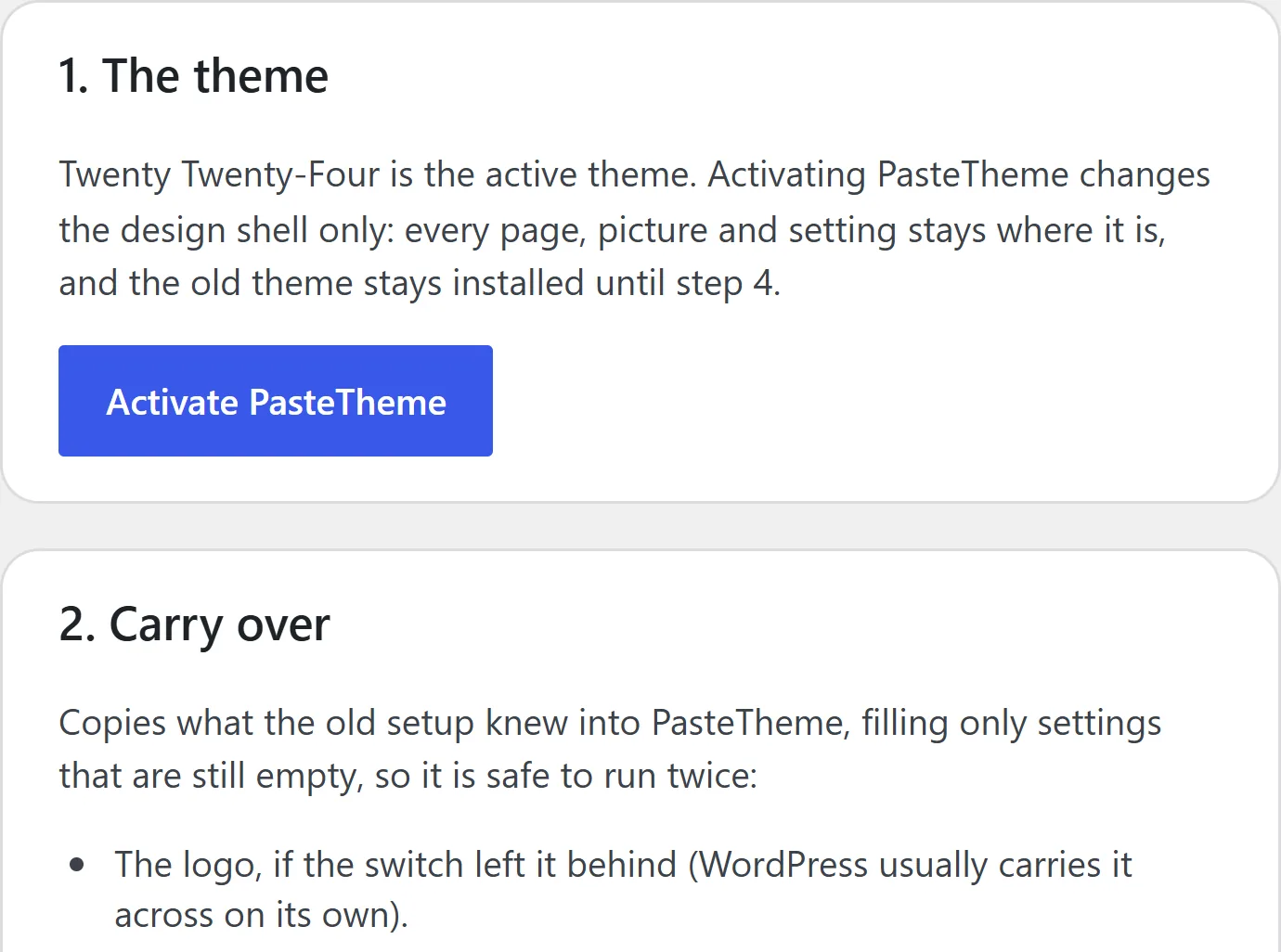
Switch the theme
Add PasteTheme’s plugin and theme to your site. The Switch screen turns the new theme on and remembers the old one. Your pages, pictures and settings stay where they are.
Carry it over
One button copies your logo, your menu, every page’s search title and description, your Google Analytics id, your email settings (you type the password once) and where form messages go. Coming from Astra? Your main color and fonts come too. It only fills settings that are still empty, so it’s safe to run twice. Paste your old footer into its box and its words, links and pictures become your new one.
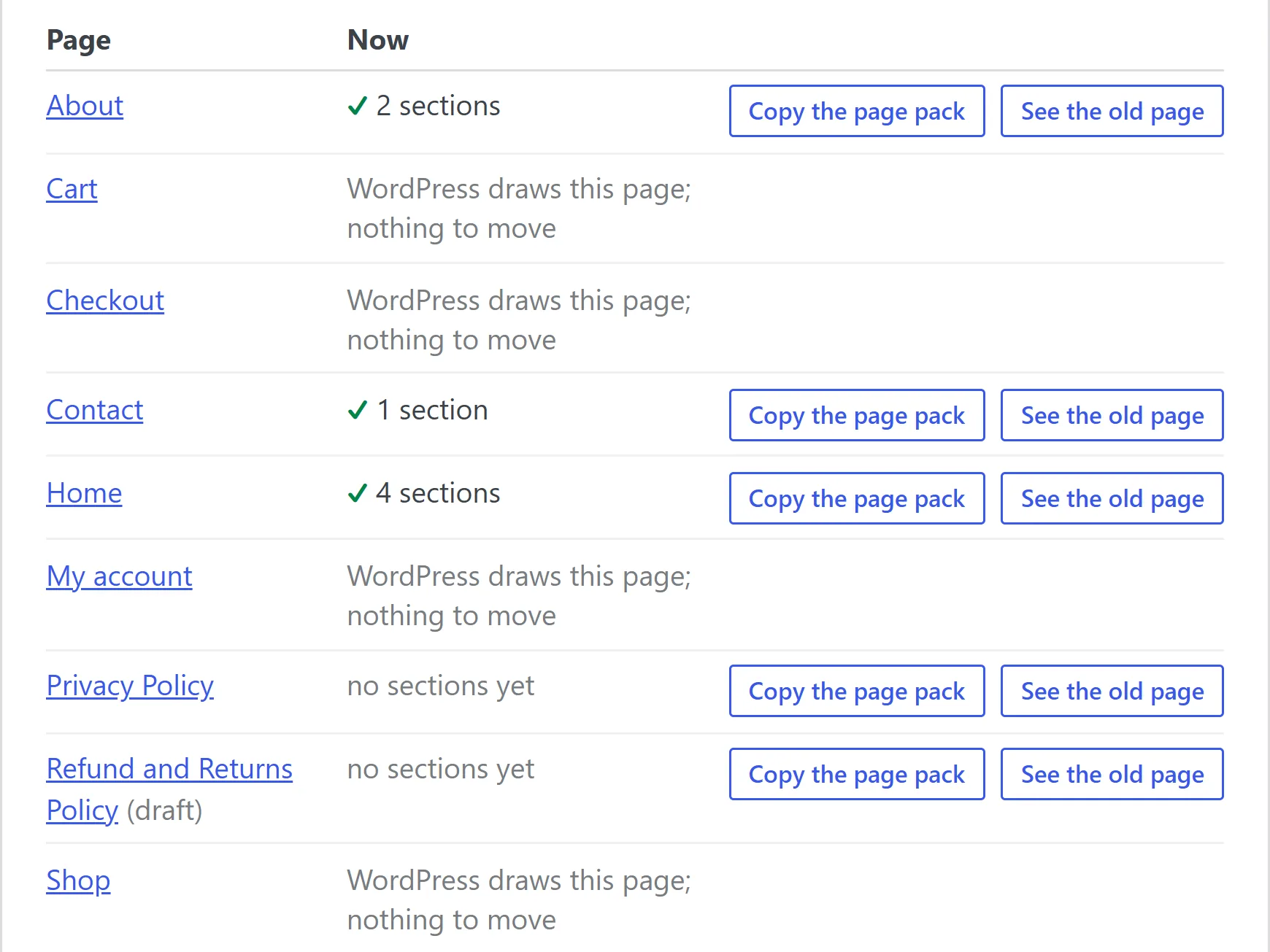
Move your pages
Pages made of plain HTML become sections with one click. A page made with a page builder, or styled with its own CSS, gets a page pack instead: its words, pictures and address, ready for your AI to rewrite as sections. Paste what your AI writes onto the page with CtrlV. Each page gets a tick once it’s done.
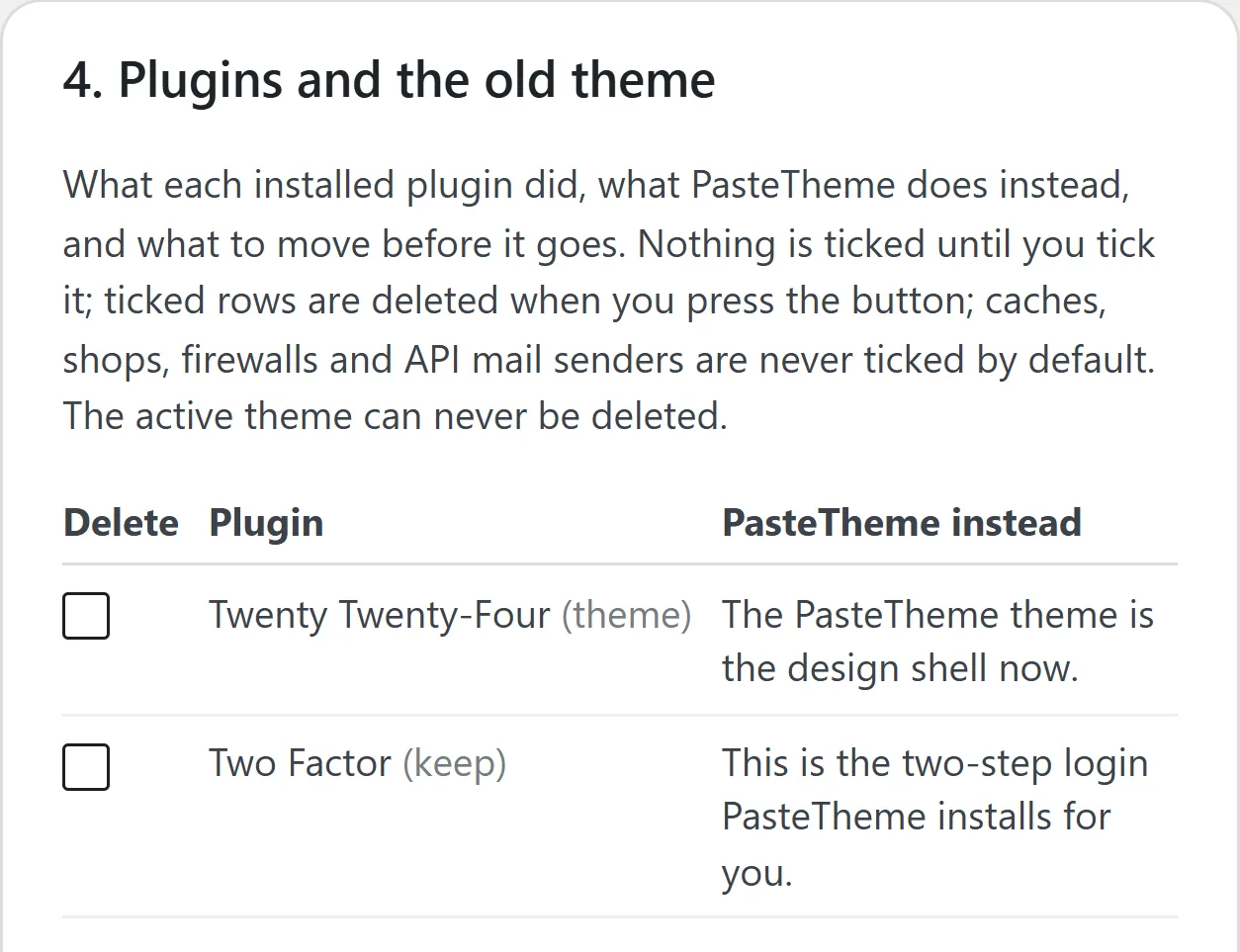
Clear the pile
One list shows the plugins PasteTheme now does the job of, and your old theme, with what PasteTheme does instead beside each one. Nothing is ticked until you tick it. One button deletes the ticked ones.
It tells you what to keep, too: backups, page caching and firewalls are never PasteTheme’s job.
Proof
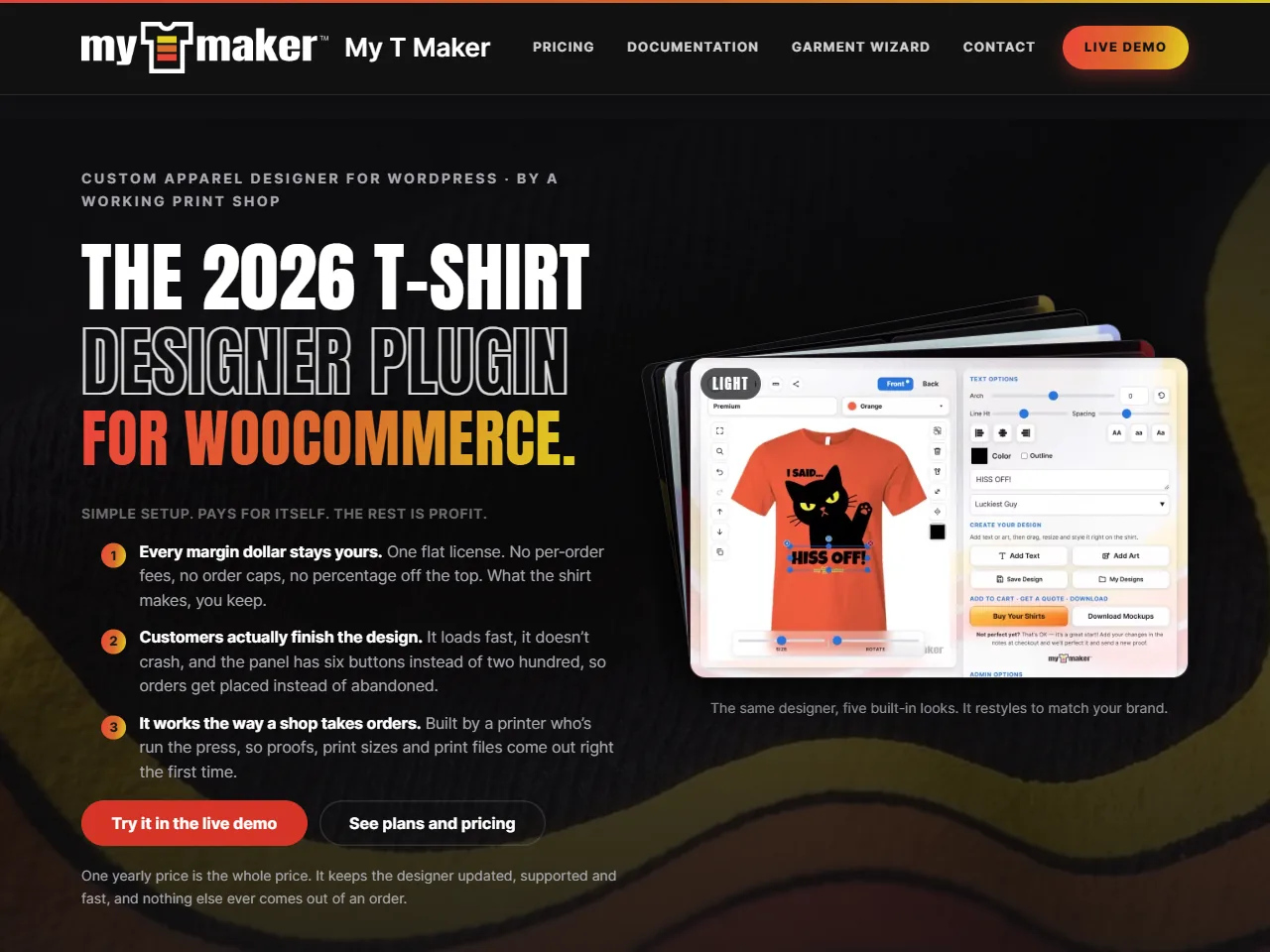
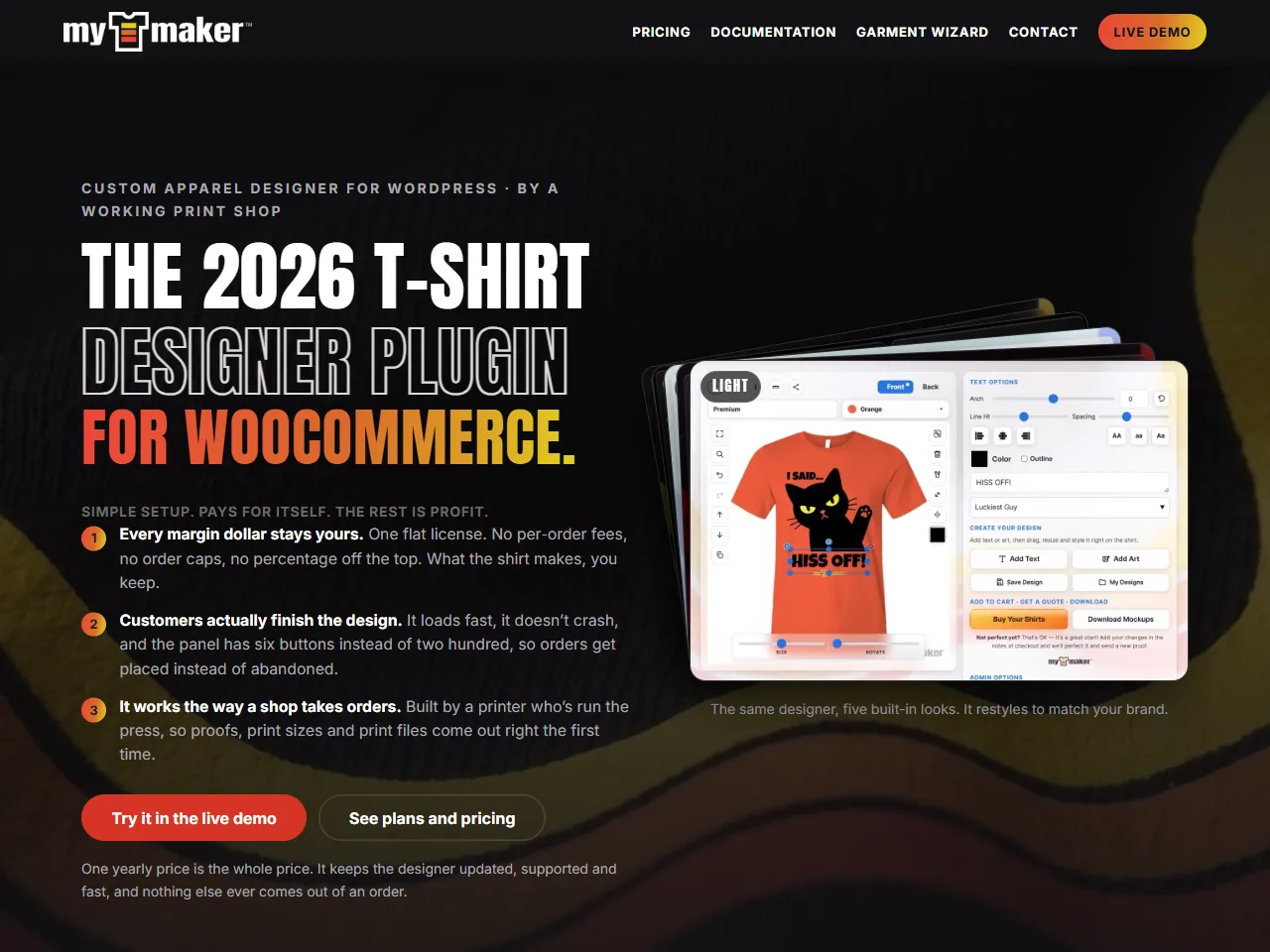
mytmaker.com made the move.
A working site with 27 pages and a WooCommerce shop moved onto PasteTheme. Every page became sections, and the shop pages needed nothing. It runs on PasteTheme today.
Before you start
What comes across, and what doesn’t
Free What comes across
Your logo, menu, search titles and descriptions, analytics id, email settings and where form messages go. From Astra, your colors and fonts. A page styled with its own CSS stays as it is, with a page pack for your AI.
Pro A little more with Pro
PasteTheme Pro also brings your old theme’s CSS and the Google fonts it uses, your old redirects, your old form messages into its inbox, your search engine ownership tags, and your header and footer code, like tracking tags and chat widgets. Plain pages styled with their own CSS move with their look kept.
What stays behind
Scripts and animations your old theme loaded, the search labels an SEO plugin printed on each page, and menu styling written for the old theme. The Switch screen names them.
If you ever leave
Every section is ordinary HTML inside its page, so your words and pictures never depend on the plugin. Switch it off and they stay. A section saved with its own CSS, the way Pro keeps it, keeps that CSS too.
Take a backup with your host before you start: PasteTheme doesn’t make backups. Your old theme stays installed until the last step.
Bring your site over.
Download the free theme and plugin and add them to your site. The Switch screen takes it from there, one step at a time.
Pro also carries your old theme’s CSS and code snippets across. See what Pro adds.