

How it works
Copy. Paste. Website.
Every step from a fresh WordPress to a finished website, in the order you take them. No code to write, and no plugin pile to install first.
Watch it, start to finish
A fresh WordPress, the two free downloads, one section pasted, a client login made, and the site as a visitor sees it. No sound: the captions carry it.
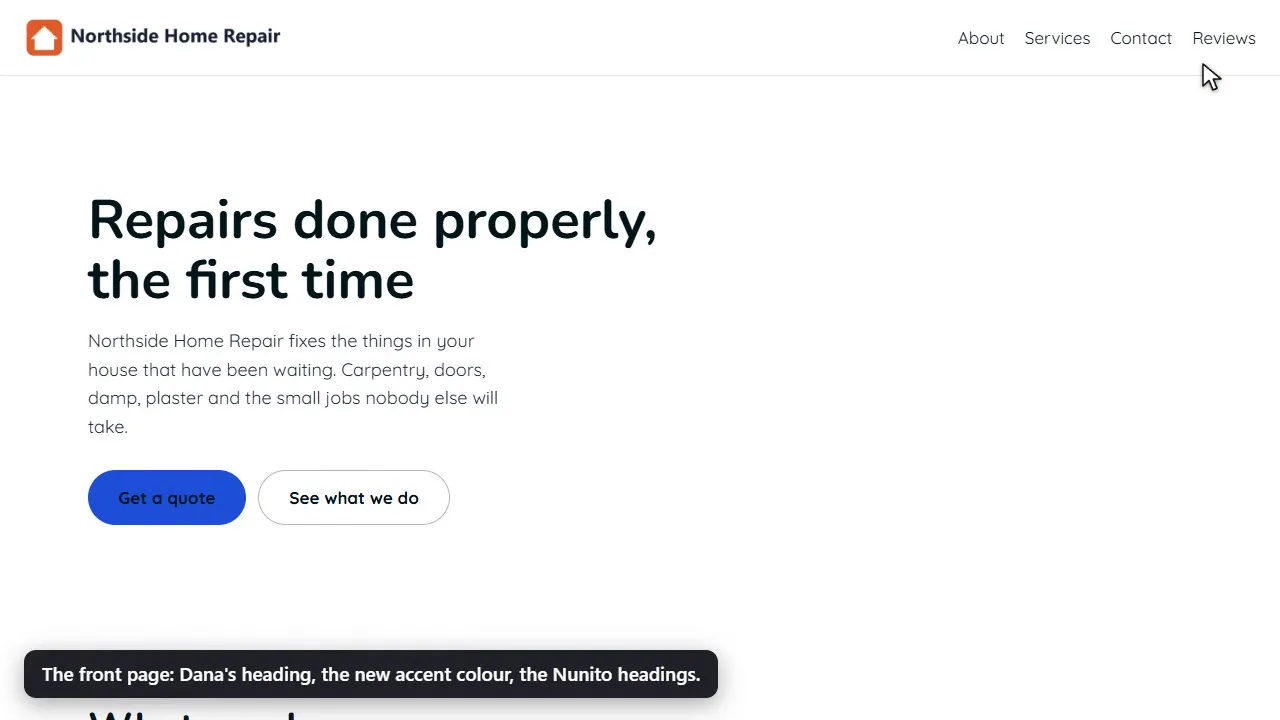 Play the video: PasteTheme for WordPress: install it, set it up, hand over a site
Set it up
Install it. Open Setup. Pick your pages.
Install the plugin and the theme.
Download both, free. In WordPress, upload the plugin, then the theme, and switch both on. No sign-up, no card.
Open Setup.
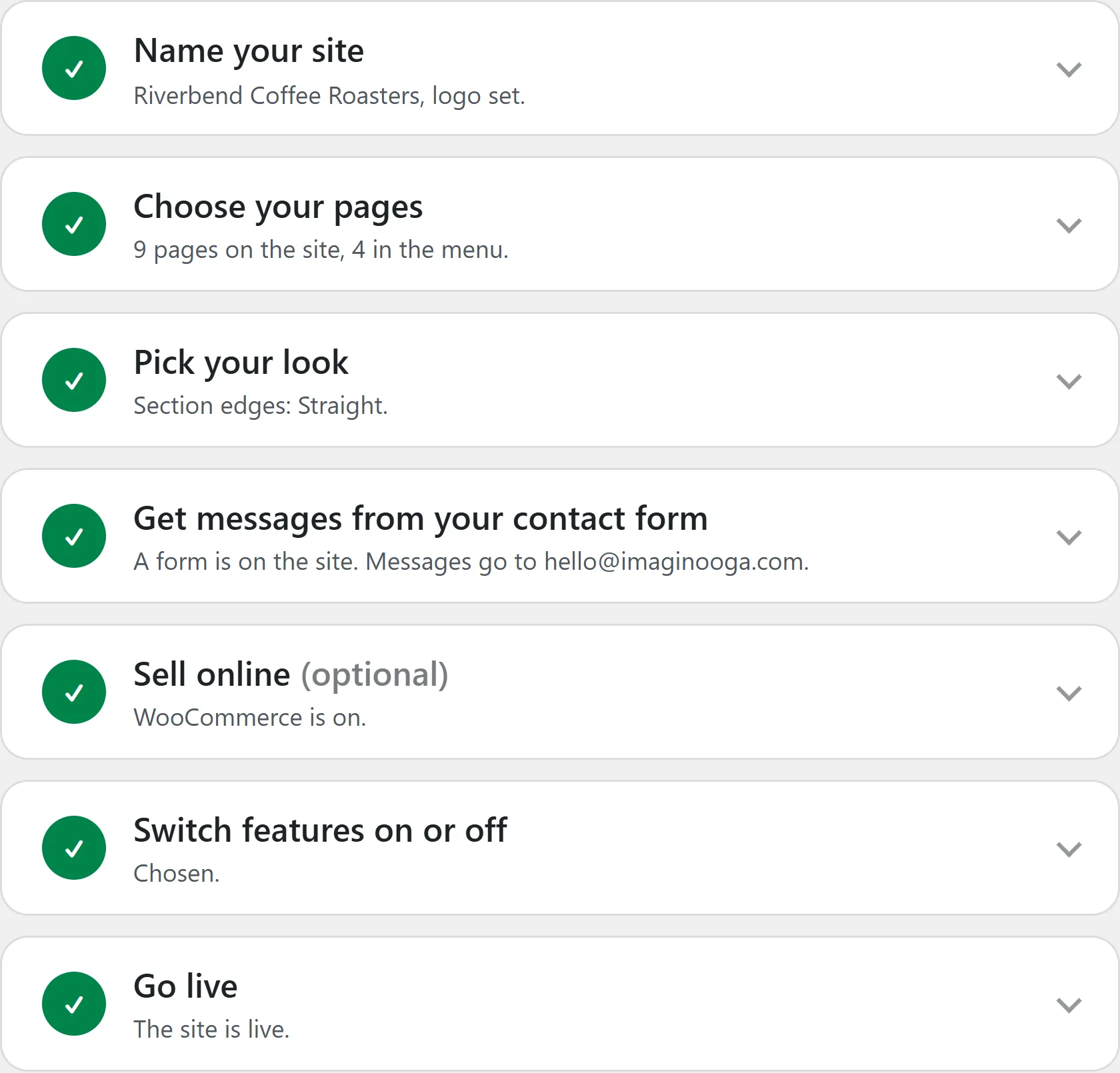
PasteTheme adds one menu to your dashboard, with Setup first. It takes you through the rest in order: your name and logo, your pages, your look, the contact form, a shop if you sell online, which features are on, then Go live.
Pick your pages.
Tick the pages you want: Home, About, Services, Contact and more. They arrive with sections ready for your words and a place in the menu, and Contact comes with a form that sends. Or start from a ready-made site.
Pages you already have are kept. Need another page later? Add it on Pages & menu and it arrives with empty sections waiting, and joins the menu when you publish it.
Your look is on the same screen: your colors, your fonts, and the edge where one section meets the next (straight, a slight curve or a wave).
Fill your pages
One section at a time, in your own words.
Copy the prompt.
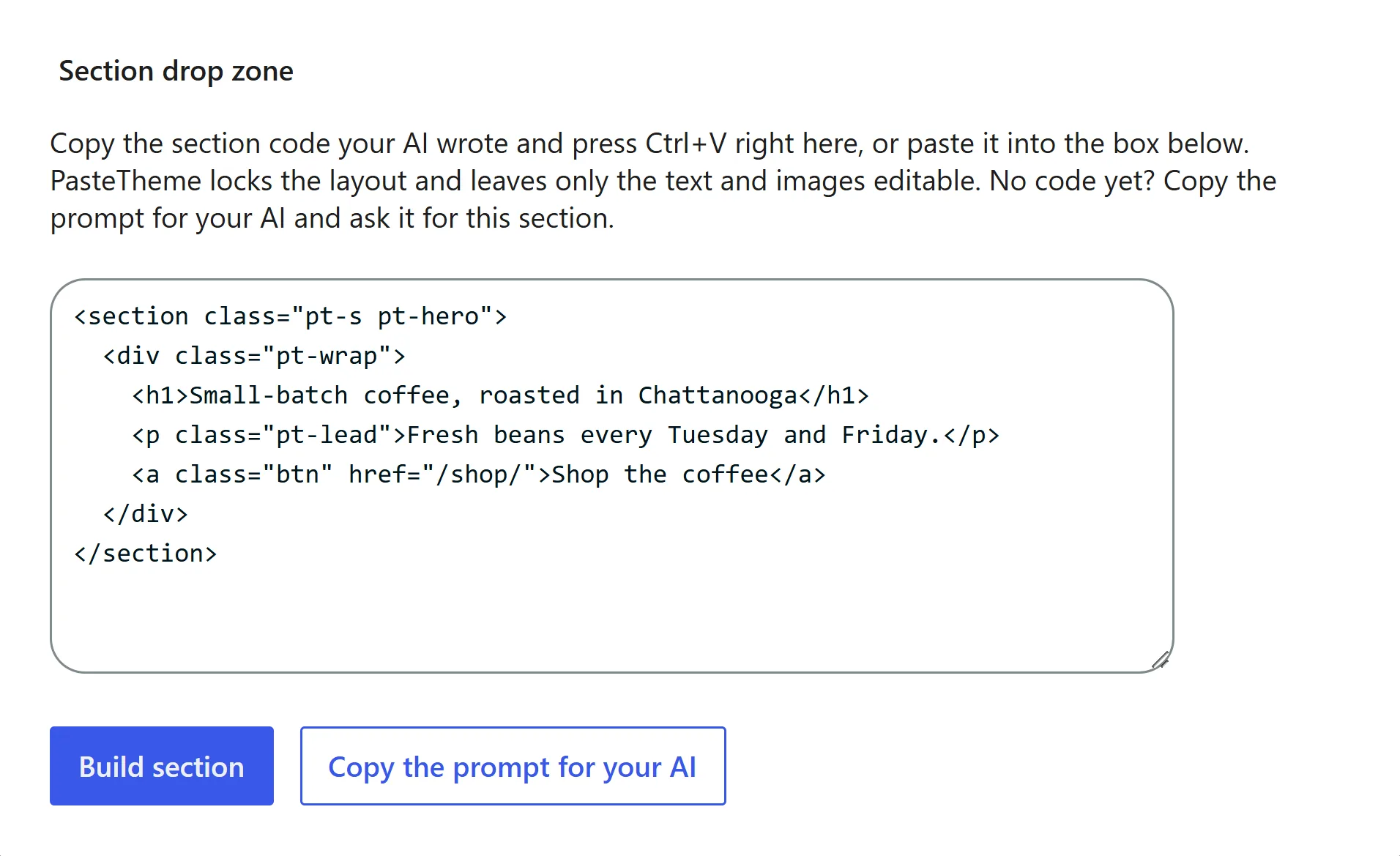
Every empty section has a Copy the prompt for your AI button. Paste it into ChatGPT, Claude or Gemini and add what this section should say: your services, your prices, your opening hours. Or pick a ready-made section instead.
Paste the answer.
Copy what your AI wrote, click the empty section and press CtrlV. It builds right there and takes PasteTheme’s ready-made look. Anything unsafe is taken out on the way in, and you’re told what went.
Change the words.
Click any heading, sentence, picture or button and change it. The layout stays put, because WordPress itself locks it.
Want a different layout? Ask your AI again and paste over the old section. The whole section is replaced, and the old one stays in the page’s revisions.
The free plugin keeps the words, pictures and layout, and the look comes from PasteTheme’s ready-made styles, the ones the prompt teaches your AI. A style or script your AI adds anyway is left out, with a note. With PasteTheme Pro, the section keeps your AI’s own design exactly, and its sliders, counters and animations run.
Make it work
Get the messages. Hand over the keys. Bring your AI.
Add the contact form.
Type the address messages should go to, pick a page, and a ready-made contact form goes on it. It sends from the moment it’s there, with spam traps and no puzzles for your visitors. Any form your AI writes sends too.
Give your client a login.
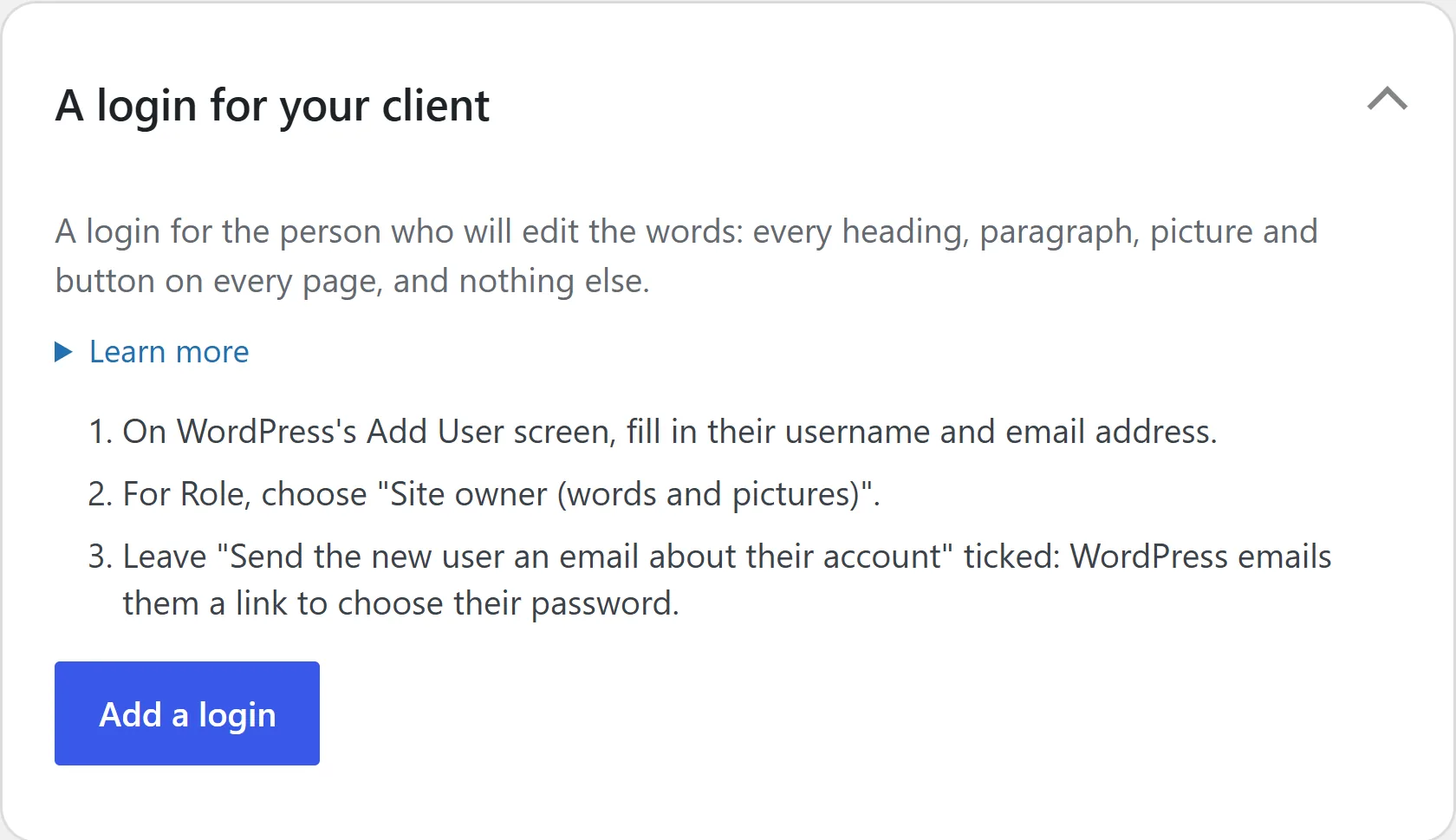
Add the person who changes the words on WordPress’s own Users, Add User screen, with the Site owner role. WordPress emails them a link to choose their password. They can edit every word and picture on every page, but not the layout, and they never see your settings.
Connect your AI.
Once your site is online, connect Claude, ChatGPT or another AI app to it over MCP, the open standard AI apps use to work with other software. Press Make a key for my AI on PasteTheme’s AI screen, say Yes on WordPress’s own Authorize Application screen, and give your AI the key. Then ask in plain words: “put our new phone number on the Contact page.”
Want different fields on a form? Ask your AI, or build your own with PasteTheme Pro: dropdowns, file uploads, and every message kept in an inbox on your site.
Cancel your AI’s key any time on your WordPress profile: the AI screen’s Revoke link takes you there. Keep your own administrator login to yourself: it can still change everything.
Build with AI lists which AI apps can make changes, and every other limit.
Your turn
Start with the two free downloads.
Install them, pick your pages and paste your first section. When you want your AI to do more, Build with AI shows what to ask for and how to connect it.
Free to keep · No card · No sign-up · No upgrade pop-ups
Already have a WordPress site? See how switching works.
Want more leads, or a look that’s all yours? See what Pro adds.